The Library
What's in the library, and how to browse it.
The library is the catalog of cells the engine can build from. Each cell has a per-cell page with a preview, anchor pool, and a button to open it directly on /build.
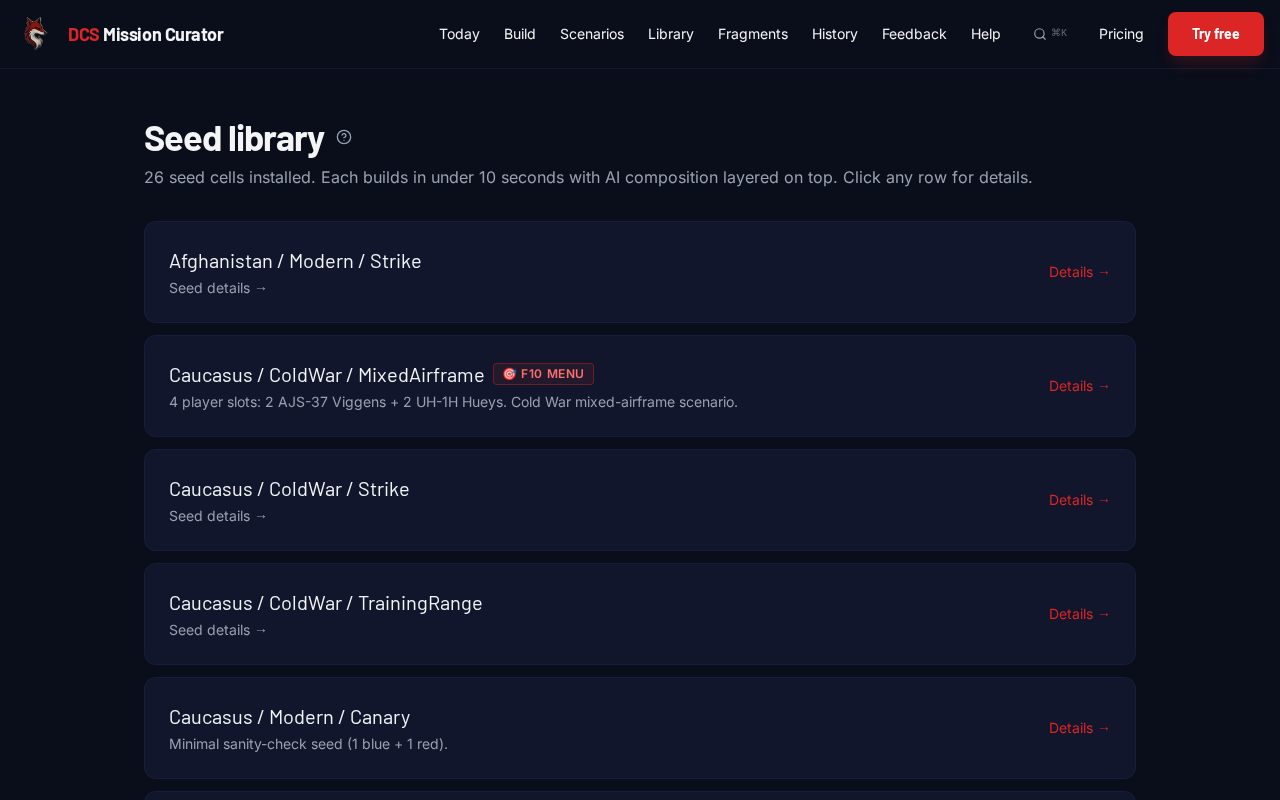
Cell organization
Cells are filed under Map / Era / Scenario:
- Map. Caucasus, Syria, Persian Gulf, Marianas, Normandy, plus a few in development.
- Era. Modern (2000s+), ColdWar (1950s–80s), WWII (1940s).
- Scenario. SEAD, Strike, CarrierOps, Foothold, BaseCapture, TrainingRange, DemoComposition, etc.
Per-cell pages
Click any cell on /library to land on its detail page. You'll see:
- Anchor pool. How many slots of each role this cell can hold (e.g. 4 red-SAM anchors, 2 blue-CAP anchors).
- Player slots. What aircraft slots come pre-defined.
- Briefing notes. What the seed mission has set up.
- Fox3 F10 Menu. The in-mission radio-menu items shipped with the seed (per coalition).
- Build button. Opens /build with this cell pre-selected.
Tip: scout before building
If you ask /build for 5 red SAMs and the cell has only 3 SAM anchors, the engine clips silently. Open the cell's library page first to see the real ceiling. It saves you confusion when the slider says 5 but the mission has 3.