Every mission you've built, one click away.
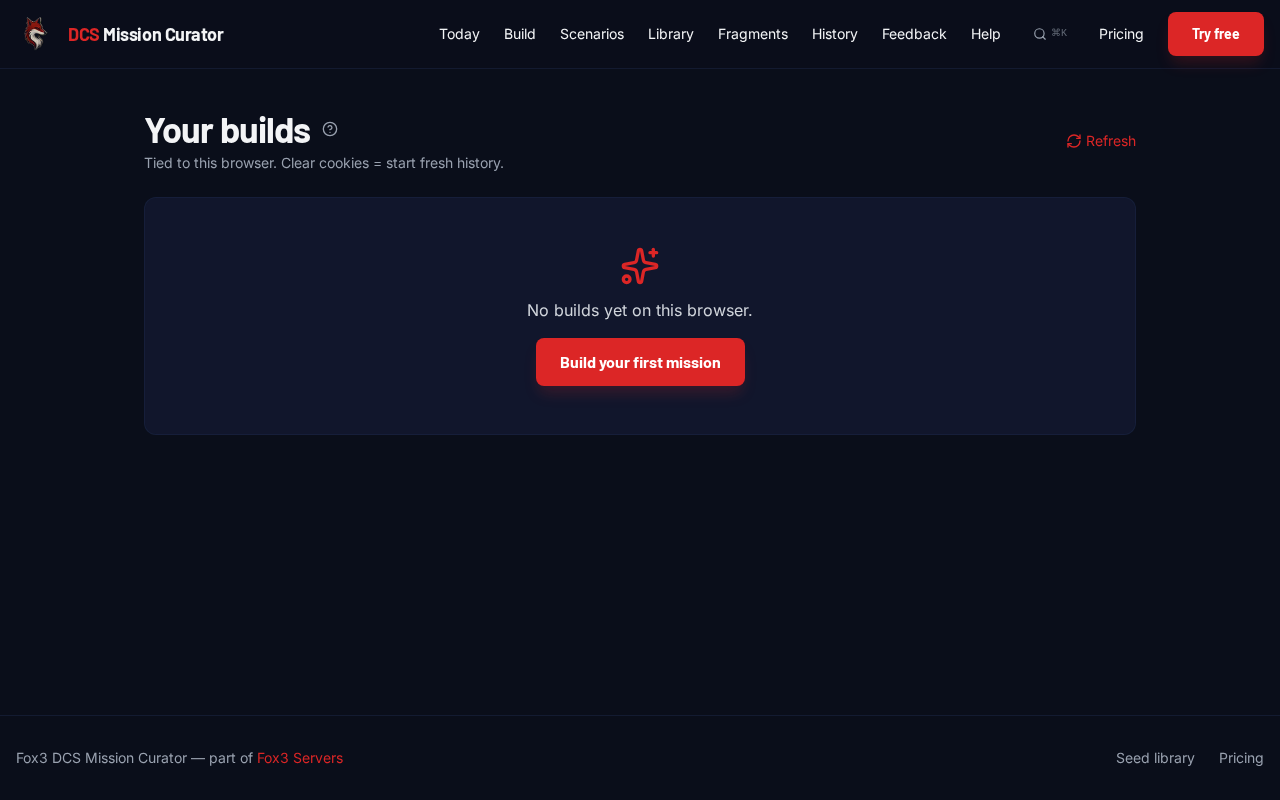
/history shows the last 50 missions tied to your browser. Each row has a Download button (re-grab the .miz) and a Remix button (build a variation).
How it's tied to you
Today, history is keyed on a browser session cookie (fox3_session, 1-year expiry). No login needed.
- Same browser, same machine = same history.
- Clear cookies = empty history (the missions still exist on the server, but they're no longer linked to you).
- Different browser or incognito = a separate history.
When the joint launch with fox3servers.com ships, history will move to your real account so it follows you across browsers.
What Remix does
Click Remixon any history row and /build opens with that build's settings pre-filled: same cell, same composition, same slot overrides, same deploy settings. Tweak whatever you want, hit Build, get a variation.
Remix is also available on the completed-job card right after a build (no need to wait until /history) and from the Mission of the Day card on /today.
When does a build count against my quota?
Every successful build counts as one against your monthly quota, including remixes. Mission of the Day downloads do not.